Get Cited by ChatGPT Using Your Support Tickets and Engineering Releases
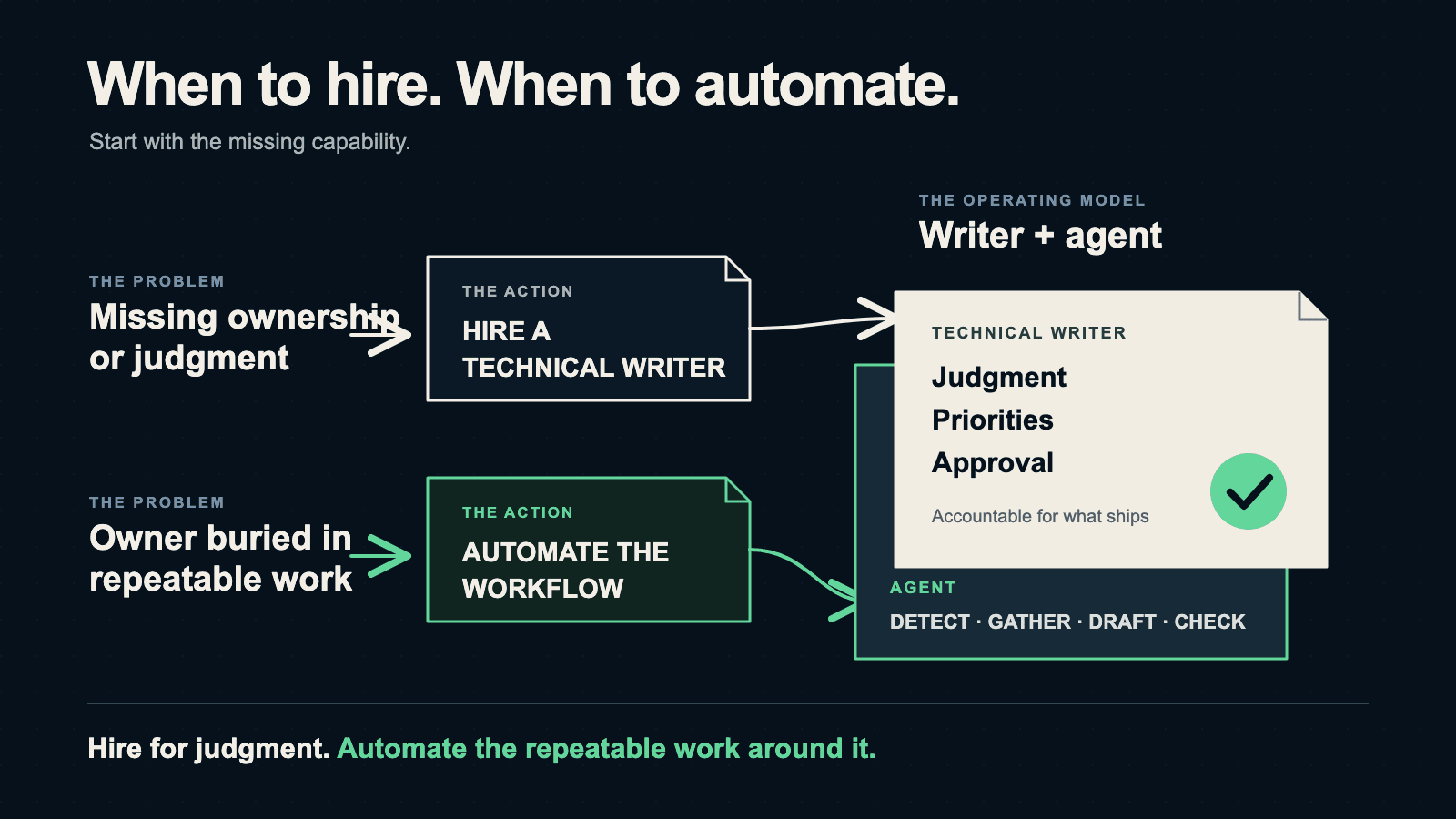
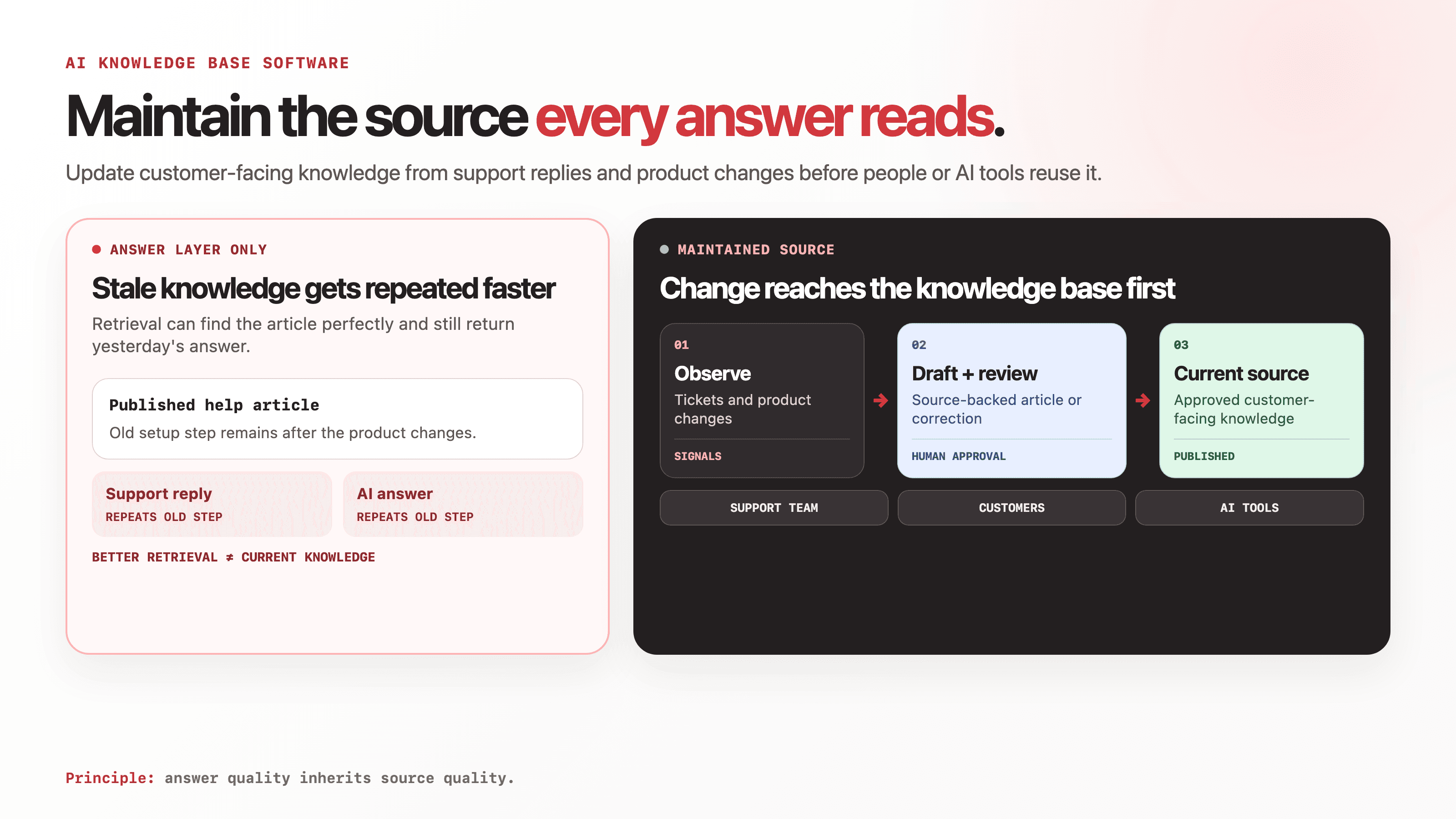
Support tickets and engineering release notes are untapped goldmines for Answer Engine Optimization (AEO). Instead of hiding these insights in private channels or dry changelogs, companies should rewrite them into public, "answer-first" knowledge base articles.
- Written by
- Arun Bhalla (opens in a new tab)
- Published on
- Read time
- 6 min

Your support team resolved 200 tickets last month. Your engineering team shipped 12 features with release notes buried in a changelog. Right now, someone is asking ChatGPT a question that matches one of those tickets word for word, and the AI is citing your competitor's blog because your answer lives in a private Zendesk thread.
AI referral traffic to websites grew 527% year-over-year through mid-2025. ChatGPT handles over 2 billion queries daily. The content that gets cited is not the content that is best written. It is the content that directly answers the question being asked, with specificity and authority. Your support tickets and engineering releases are the two richest sources of that content. You are just not publishing them.
Why Support Tickets Are an SEO Gold Mine
When a customer submits a support ticket, they phrase their problem in natural language. "Why does the webhook return a 403 after rotating API keys?" That phrasing is almost identical to how someone asks the same question to ChatGPT or types it into Google.
Your support team's answer is the authoritative response. It comes from the people who built the product or who debug it daily. But if that answer lives in Zendesk, Intercom, or a Slack thread, no search engine or AI system can find it.
Here is the conversion path:
Step 1: Export your top tickets by volume. Most support platforms let you tag and sort tickets by frequency. Pull the top 50 questions from the last quarter. These are the questions people are already asking AI about your product category.
Step 2: Group them into patterns. You will find clusters: authentication issues, integration errors, configuration questions, billing confusion. Each cluster becomes a knowledge base article or FAQ section.
Step 3: Rewrite each answer in answer-first format. AI systems extract the first 40-60 words of a section to determine if it answers a query. Lead with the direct answer, then provide context and steps.
Before (support ticket response):
Hi! Thanks for reaching out. I understand this can be frustrating. The issue you're seeing is related to how our system handles key rotation. When you rotate keys, the old webhook signatures become invalid. You'll need to update the webhook secret in your endpoint configuration. Let me know if you need help with that!
After (public knowledge base article):
## Why webhooks return 403 after API key rotation

Rotating your API keys invalidates existing webhook signatures.
Update the webhook secret in your endpoint configuration
at Settings > Webhooks > Signing Secret to restore delivery.

### Steps
1. Go to **Settings > Webhooks**
2. Click **Regenerate Signing Secret**
3. Copy the new secret to your webhook handler
4. Test with a manual webhook trigger from the dashboard

### Why this happens
Webhook payloads are signed with your API key's derived secret.
When the key rotates, the signature no longer matches,
and your endpoint's verification rejects the payload with a 403.
The first version is a good support response. The second version is a citable answer that AI systems can extract, verify, and present to the next person who asks the same question.
Turning Engineering Releases into Discoverable Content
Your engineering team ships features with release notes that look like this:
v4.2.0 - March 2026
- Added batch verification endpoint
- Fixed timeout handling for DocV
- Updated rate limits for /screening endpoint
That changelog is technically accurate and completely invisible to AI systems. It answers no question. It matches no query. It is a record of what changed, not an explanation of what it means.
Here is how to convert each line into content that ranks:
"Added batch verification endpoint" becomes a guide: "How to verify multiple identities in a single API call." Include the endpoint, request format, batch size limits, error handling, and a working code example. Someone searching "batch identity verification API" finds your guide instead of a competitor's marketing page.
"Fixed timeout handling for DocV" becomes a troubleshooting article: "Document verification timeout errors: causes and fixes." Explain what caused the timeouts, what changed, and how to configure timeout settings. Someone asking ChatGPT "why does document verification time out" gets your article cited.
"Updated rate limits for /screening endpoint" becomes a reference update with context: "Screening API rate limits: current values and how to request increases." Include the before/after values, why they changed, and what happens when you hit the limit.
# Template: Engineering release to content pipeline
release_line: "Added batch verification endpoint"
content_type: guide
title: "How to Verify Multiple Identities in a Single API Call"
target_query: "batch identity verification API"
sections:
 - answer: "Use POST /v1/verify/batch with an array of up to 100 identity objects"
 - parameters: "Request format, batch size limits, async vs sync modes"
 - errors: "Common errors and handling"
 - example: "Working curl and Python examples"
The AEO Advantage of Freshness
This approach has a built-in advantage for Answer Engine Optimization. AI systems favor fresh content. AI-surfaced URLs are 25.7% fresher than traditional search results, and AI citations decay after approximately 13 weeks without updates.
Every sprint, your engineering team ships changes. Every week, your support team resolves tickets. That means you have a continuous supply of fresh, authoritative content that maps directly to real user questions. Companies publishing monthly blog posts cannot match that cadence.
The math works like this:
| Content source | Frequency | Articles per quarter | Query coverage |
|---|---|---|---|
| Support tickets (top 50) | Quarterly review | 15-20 articles | Problem and troubleshooting queries |
| Engineering releases | Every sprint | 8-12 articles | How-to and reference queries |
| Blog posts | Monthly | 3 posts | Thought leadership queries |
The first two rows cover the questions people actually ask. The third row covers the topics you want to talk about. Both matter, but only the first two come with built-in authority and freshness signals.
The Compounding Effect
60% of sources cited by AI are not in Google's top 10. This means your knowledge base articles do not need to outrank established blogs in traditional search to get cited by AI. They need to be specific, structured, and fresh.
Each knowledge base article you publish from a support ticket or engineering release creates a new entry point. Over a quarter, 25 articles create 25 new surfaces where AI systems can discover and cite your product. Over a year, that is 100 articles that compound, each one answering a real question with authority that no competitor blog can replicate.
The AI visitors who arrive through these citations convert at 4.4x the rate of standard organic visitors. They are not browsing. They asked a specific question, got your product cited as the answer, and clicked through with intent.
Start This Week
Pick 5 support tickets from last month. The ones your team has answered more than once. Rewrite each answer in the answer-first format: direct answer in the first two sentences, steps below, context at the bottom. Publish them as public knowledge base articles with FAQ schema markup.
Then pick 3 items from your last engineering release. Turn each one into a short guide or reference article that answers the question a user would ask about that feature.
That is 8 pieces of content in a week, each one mapped to a real query, each one a candidate for AI citation.
If your support tickets and release notes are scattered across Zendesk, Jira, and Slack, and your public docs are falling behind, EkLine flags the gap between what your team knows and what the world can find.